Digital Recording and Mixing with Analog Equipment
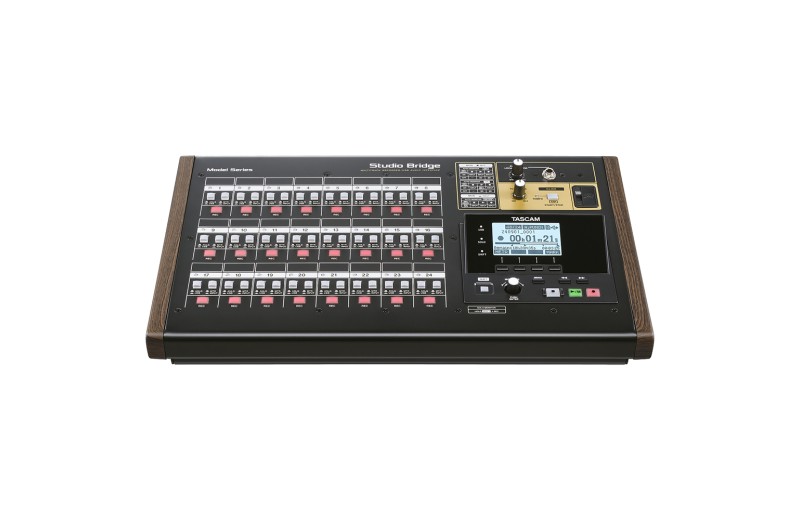
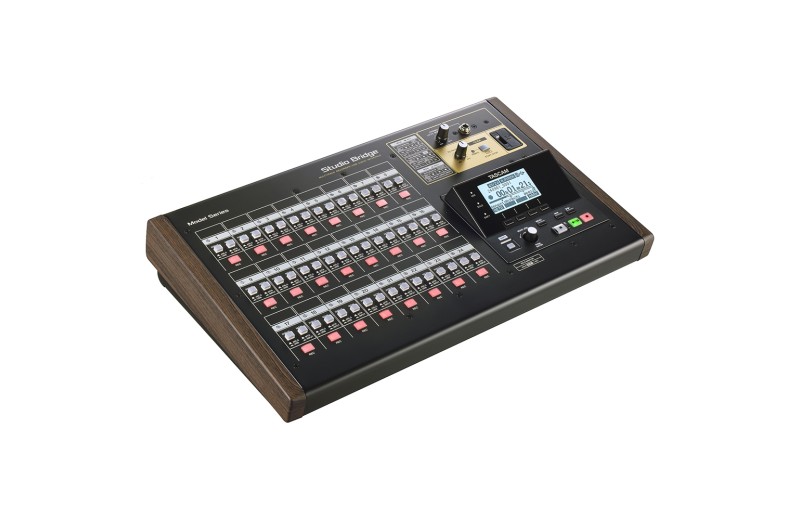
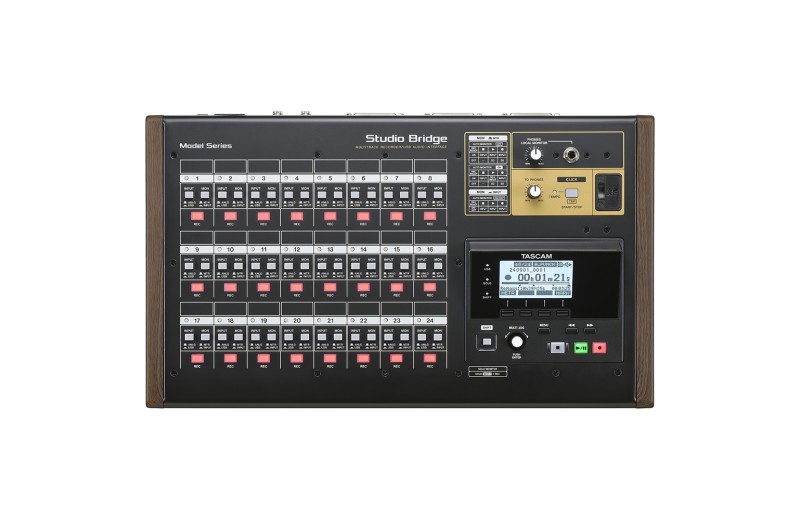
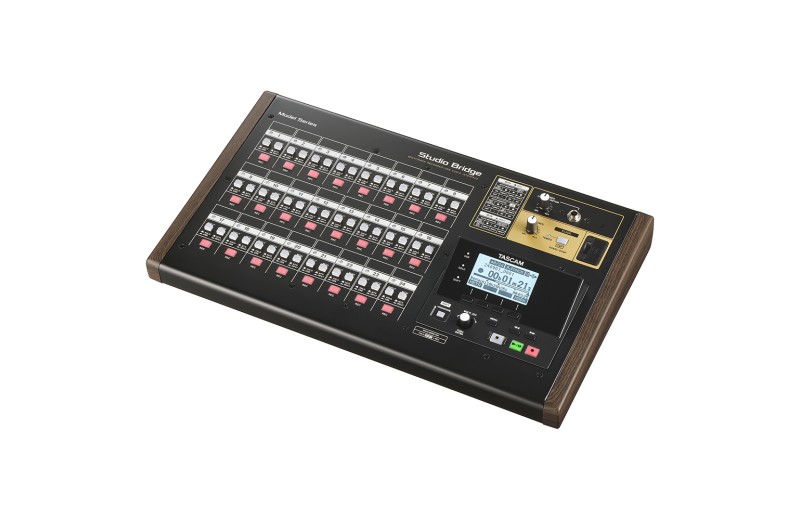
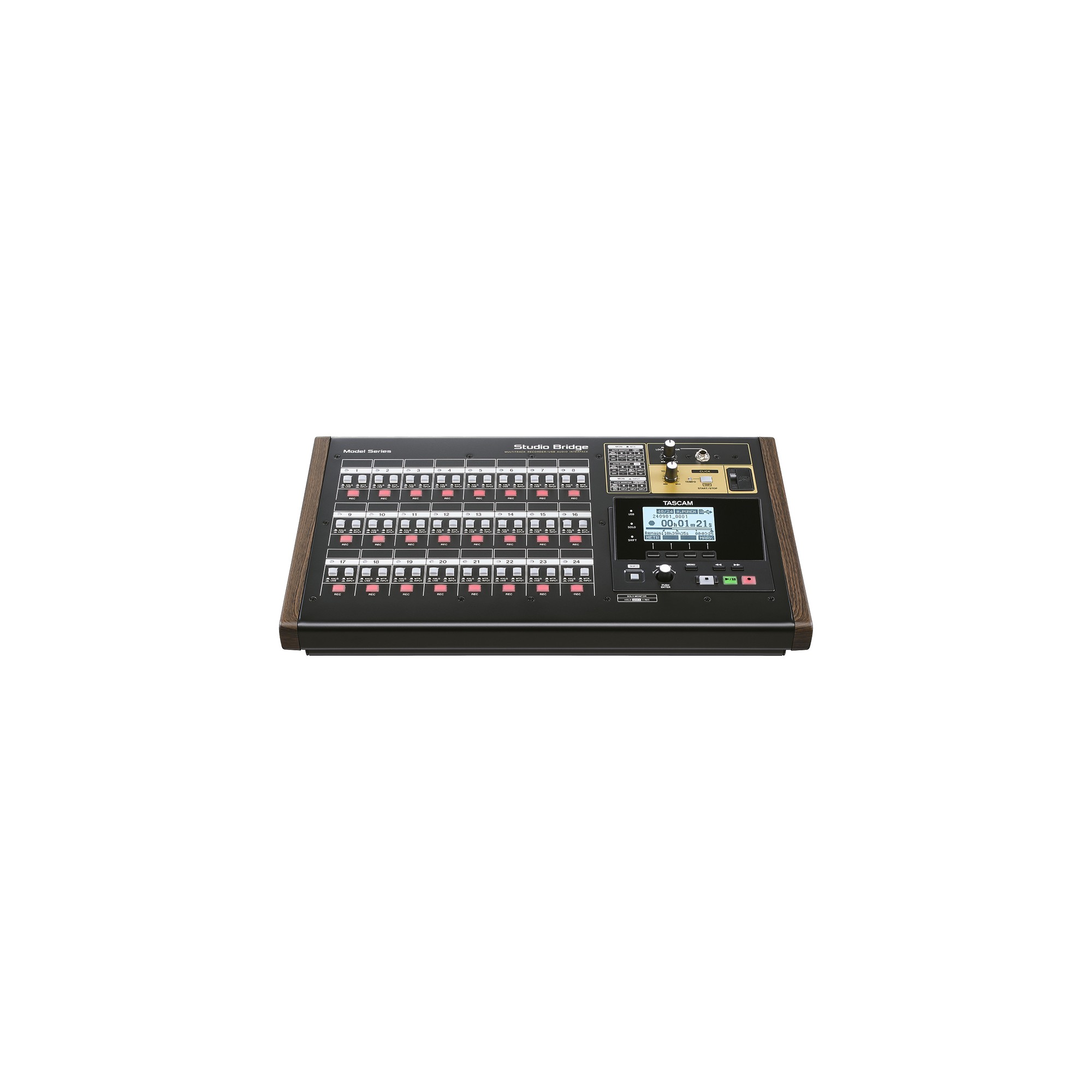
The Studio Bridge multi-channel recording device is literally the bridge between analog mixing and digital recording – whether youre using a DAW or not. Maintain the rich analog tone from your mixing console while recording with your chosen DAW or with Studio Bridge itself. Either way, channels can be returned to your analog console for mix summing, transforming digital recordings into warm analog productions.
Whether youre recording in a personal studio or live environment, Tascam Studio Bridge serves as the link between your existing equipment, complementing it with the latest recording technology.
24-Track Recording Without a Computer
Connect your analog mixer to the modular Studio Bridge recording device and easily record up to 24 channels of audio – no computer required. You can even record the stereo mix to the recording device and export stereo WAV files for broadcast-ready productions.
DAW Transport Controller and Meter Bridge Software
Studio Bridge also functions as a DAW transport controller. Record/Play/Stop and Rec Ready buttons connect directly to your DAW for ease of use. The control panel, available for Windows and macOS, includes a digital meter bridge, allowing you to monitor audio levels for each channel and the stereo master.
MIDI Synchronization for Your Sequencers
With MIDI input/output ports, your favorite drum machines, sequencers, synths, and controllers can easily integrate into any production. Unlock your creativity with your analog gear and Studio Bridge.
24-In/24-Out Audio/MIDI Interface for DAW
Tascam knows you want true analog flavor in your DAW recordings, and were here to help. Your analog mixer can easily connect to your DAW using Studio Bridge as an audio interface with 24 inputs and outputs.
You can record directly to any DAW and even create a summed mix using your console and external equipment with audio returns.
Live Recording Applications
In live environments, Studio Bridge becomes your mobile recording studio when connected to the mixing console. Just one device – no complex systems, no computer required.
Inputs/Outputs
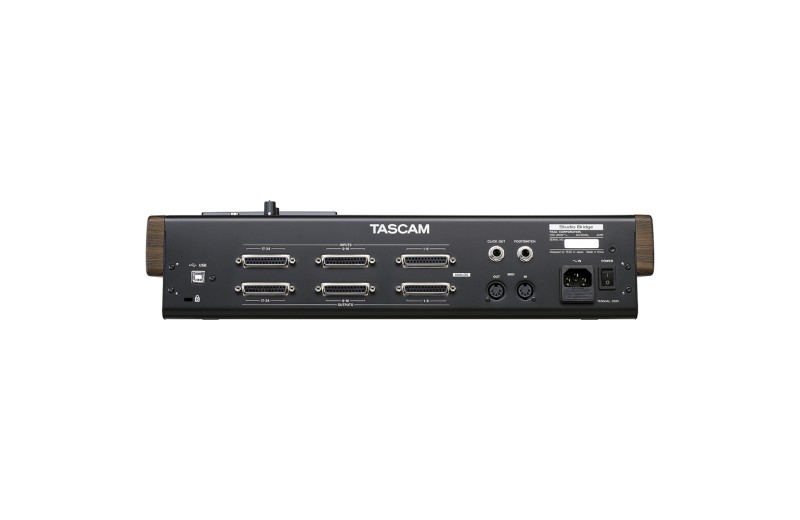
With 24 inputs and 24 outputs via DB25 connectors, Studio Bridge has more than adequate capacity for recording and mixing larger productions. Additionally, without preamps means you can maintain that bold, beautiful analog signal quality youve worked so hard to create.
Local Monitoring
Monitor inputs and channels via the exclusive headphones/local monitoring section on the front panel of Studio Bridge.
Solo Mode
Set any of the 24 inputs to Solo by quickly pressing Shift and REC on the corresponding channel. To check if any channels are in solo mode, a quick glance at the main section will reveal if the Solo indicator is lit.
Features
Standalone 24-channel audio recording device with punch-in/out support.
Built-in USB audio interface 24 input/24 output.
DAW transport control and record-ready via HUI/MCU.
Built-in USB MIDI interface with MIDI input/output jacks.
Proprietary control panel application with virtual meter bridge.
24 analog audio inputs and outputs at line level, each via three Tascam D-sub connectors.
Recording file format WAV (BWF) (44.1/48 kHz, 16/24 bit).
Recording to SD cards up to 512 Gigabyte (SDXC).
Punch in/out on up to 10 channels simultaneously.
Auto Monitor mode for automatic monitoring of inputs or monitoring.
Channel switching mode for recording on different channels with the same settings.
Headphone output (2 ? 80 mW) with level control.
MIDI Timecode (MTC) output and MIDI clock output with song position indicator.
Audio output for metronome click.
Two footswitch inputs for MIDI tempo, etc.
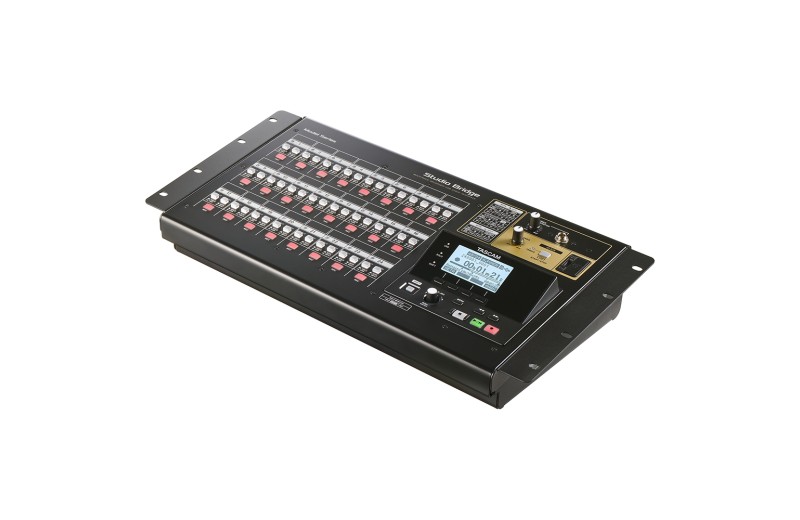
19-inch rack mounting capability (AK-RMSTBG kit sold separately).